



Are you ready to enhance your home entertainment experience? This guide will show you how to install the premium streaming service that brings you a vast array of content. With access to shows and movies from HBO, Max, STARZ, and SHOWTIME, you’ll have thousands of hours of entertainment at your fingertips.
Installing the streaming service on your device is straightforward. This guide will provide clear, step-by-step instructions to ensure you can set it up without any technical issues. Our focus is on safety, recommending secure methods to access your favourite shows and movies through this official service.
By following these instructions, you can transform your television into a powerful hub for all your digital media needs. Get ready to enjoy premium entertainment like never before!
Key Takeaways
- Learn how to install the streaming service on your device.
- Access a wide range of content from top networks.
- Follow safe and secure methods for installation.
- Transform your television into a digital media hub.
- Enjoy thousands of hours of high-quality entertainment.
Introduction to Crave TV on Firestick
Dive into a new realm of viewing possibilities with this innovative platform. Launched by Bell Media, Crave TV is a premium streaming service that offers an impressive selection of content. With over 1100 TV shows and 1200 movies, subscribers can enjoy exclusive titles from networks like HBO and SHOWTIME.
This robust platform is not just about quantity; it also provides a curated experience for its users. Canadian customers can access a variety of live channels, including Crave 1, Crave 2, and STARZ 1. The Crave app ensures a seamless experience for those wanting to watch high-quality series and films on their preferred devices.
By choosing this streaming service, you gain access to a wide range of entertainment options specifically tailored for the Canadian market. As one satisfied user put it,
“Crave has transformed my viewing habits with its vast library!”
Preparing Your Firestick for Crave TV Installation
Prepare your device for a seamless streaming experience with these essential steps. First, you need to enable developer options on your Amazon Fire Stick. This allows your device to install apps from outside the official store.
To begin, navigate to the settings on your Amazon Fire Stick. Click the “Fire TV Stick” option seven times to activate the developer mode. Once this is done, you must enable the installation of apps from unknown sources.
Next, download the Downloader app from the official store. This app will be your primary tool for fetching the latest APK. After installation, open the Downloader app and enter the specific code 401630 into the search bar. This code will retrieve the correct installation link for the software.
This process ensures that your Amazon Fire device is properly configured to handle third-party installations safely and efficiently.
Firestick Apps: The Best Legal Streaming Apps for Canadian Cord-Cutters (2026)
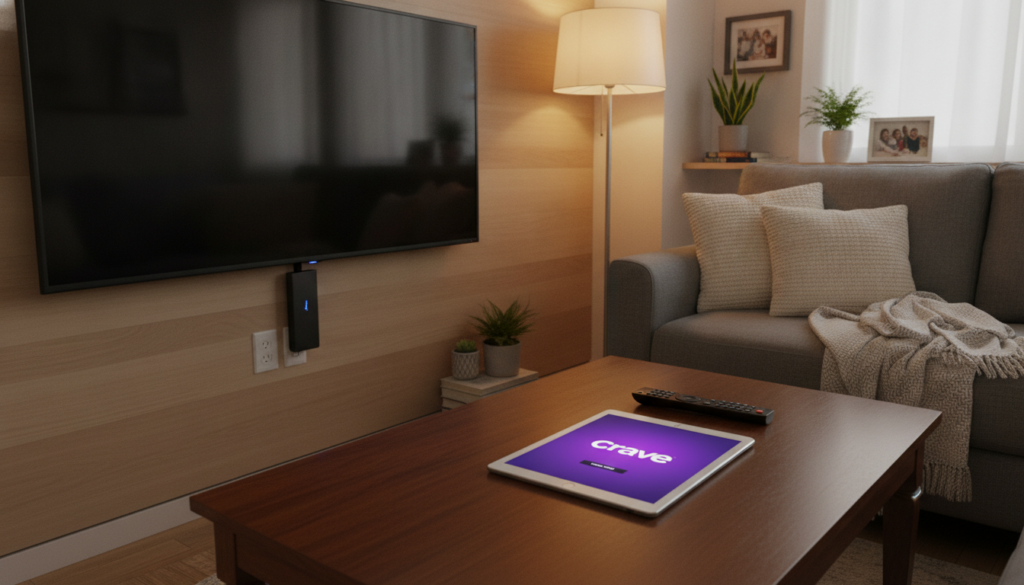
Optimise Your Experience with crave app firestick canada
Unlock the full potential of your streaming experience with essential tips. To fully enjoy the vast content available, using a reliable VPN is crucial. This allows you to connect to a Canadian server, effectively bypassing regional geo-restrictions.
Surfshark VPN is an excellent choice, offering 3,200 servers in over 100 locations. This ensures your IP address remains hidden while you enjoy your favorite movies and series. When connected to a Canadian server, you gain full access to the entire library of shows and films available on the platform.
Remember, without a VPN, your streaming activity might be tracked by your ISP or other third parties. Always ensure your VPN is active before launching the streaming service to maintain a secure and private connection at all times.

Sideloading vs Using a Browser to Access Crave TV
Exploring different methods to access your favorite streaming service can greatly enhance your viewing experience. There are two primary ways to enjoy the content available on this platform: sideloading the app or using a web browser.
How to Sideload the Crave TV App Using the Downloader App
Sideloading the app involves using the Downloader tool to install the APK file directly onto your Amazon Fire device. This method provides optimal performance and access to the full library of movies and series.
Streaming via the Amazon Silk Browser
Alternatively, you can use the Amazon Silk Browser to visit the official website and stream content without needing to install additional software. This method is a great backup if you prefer not to sideload apps, though it requires a stable internet connection for streaming.
Both methods require you to sign in with your Bell Media account to access the complete library. Ensure that your email address and password are ready, as you will need them to authenticate your session on the browser or app.
Conclusion
As you conclude your journey into premium streaming, it’s time to embrace the entertainment options available. Installing the crave app on your device is a straightforward process that unlocks a massive library of premium entertainment.
By using a VPN, you can easily bypass geo-restrictions and enjoy your favorite shows from anywhere in the world. Whether you choose to sideload the APK or use the browser, ensure your Bell Media account is active to avoid interruptions.
Always keep your device updated to the latest version to benefit from general stability and performance improvements provided by the developers. With these steps, you are now ready to enjoy the best movies and series available on this top-tier Canadian streaming service.