



If you find yourself frustrated with interruptions while streaming your favourite shows, you are not alone. Many users in Canada experience frequent pauses in playback due to issues with their streaming device. Buffering happens when the device cannot download enough data ahead of time, causing it to halt playback momentarily.
Often, this problem stems from inconsistent internet speeds. Canadian households may struggle with fluctuating connection quality, making it challenging to enjoy high-definition or 4K content smoothly. Fortunately, this guide aims to help you address these issues.
By implementing simple solutions, you can enhance your home network and optimize your device settings. This way, you can enjoy uninterrupted streaming across all your preferred platforms.
Key Takeaways
- Frequent buffering can interrupt your viewing experience.
- Inconsistent internet speeds often lead to playback issues.
- High-definition and 4K content requires a stable connection.
- Simple adjustments can improve your streaming quality.
- Optimizing your network and device settings is essential.
Understanding Firestick Buffering Issues
Streaming interruptions can be a significant annoyance for viewers. Understanding why your device is buffering is the first step toward resolving the problem. This knowledge allows you to enjoy your media content without constant interruptions.
When your device runs low on memory, it may struggle to process high-quality video. This can lead to persistent buffering issues during playback. Many users find that their Amazon Fire Stick performs poorly when too many background apps consume limited system resources.
The Amazon Fire device can also encounter a connection bottleneck. This may happen if the streaming service servers are overloaded or if your local network is congested. Clearing temporary data from your apps can often resolve minor buffering issues that prevent your device from loading video streams correctly.
More Read

Checking Your Internet and Network Settings
Experiencing slow streaming can be incredibly frustrating, especially when you’re eager to watch your favourite content. To enhance your viewing experience, it’s essential to check your internet and network settings.
Start by testing your internet speed. For optimal performance, ensure your connection meets the required 15 Mbps for 4K streaming. You can run a speed test on your Amazon Fire device by holding the Home and Play buttons on your remote.
Next, consider the placement of your router. If your signal strength is not “Very Good,” try moving the router closer to your device. This can help eliminate interference from walls or other devices.
- Many users find their internet connection throttled by their ISP. Compare speeds across different network settings to identify any issues.
- Check your router configuration to ensure your Amazon Fire device is connected to the 5GHz band for faster, more stable streaming.
- Managing other devices on your network can free up necessary bandwidth, preventing interruptions during peak usage hours.
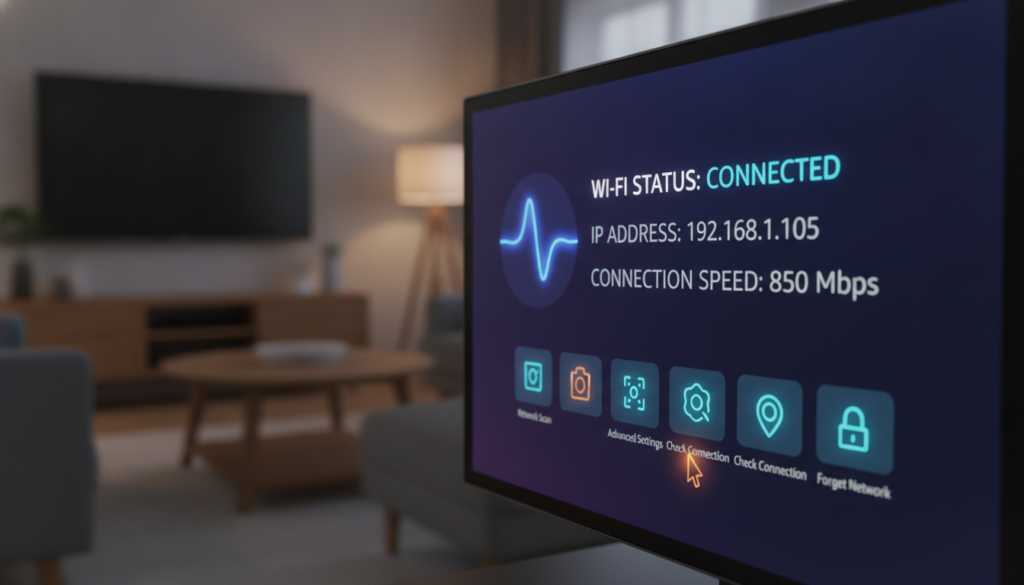
firestick buffering fix canada: Strategies for a Seamless Stream
To enjoy your favourite shows, a smooth streaming experience is key. One effective way to achieve this is by switching to an Ethernet connection or a 5GHz Wi-Fi network. An Ethernet connection provides a more stable and reliable internet path, minimizing the risk of interruptions. This simple adjustment can significantly enhance your streaming quality.
Another strategy is to utilise a VPN. Using a VPN not only encrypts your streaming traffic but also helps bypass any ISP throttling. Many Canadian users find that their ISPs limit bandwidth for specific apps, such as Prime Video. By using a VPN, you can prevent your ISP from interfering with your connection, ensuring a smoother experience.
- Ensure your VPN is set to high-speed servers for optimal performance.
- Switching to a wired connection often resolves issues related to inconsistent speeds.
- Following these steps can help maintain a steady stream, allowing you to enjoy your content without unexpected interruptions.

Optimising Your Firestick for Better Performance
Finding a seamless streaming experience can be a challenge for those relying on various devices. One effective method to enhance your Firestick’s performance is to reboot the device regularly. This can be done by navigating to Settings > My Fire TV > Restart. Restarting helps clear temporary system processes that may slow down your device.
Another crucial step is to clear the cache and data for apps that consume too much storage. You can do this by using the Manage Installed Applications menu. Regularly performing a system update ensures your device has the latest software patches, which can fix known performance issues.
Additionally, managing background processes is essential. You can free up memory by selecting app settings to force stop unnecessary applications. This will help your Firestick run more smoothly, allowing for a better streaming experience.
How to Get Crave on Firestick in Canada (Step-by-Step)
Preventive Measures to Maintain a Smooth Stream
Maintaining a smooth streaming experience requires consistent attention to your device and network settings. Regular system maintenance is crucial for ensuring optimal performance.
Regular System Maintenance and App Management
To keep your streaming device running smoothly, reboot it periodically. This simple step can clear temporary data that may slow down performance. Additionally, ensure that your device is updated to the latest software version. This helps fix any known issues and improves overall functionality.
Uninstalling Unnecessary Apps and Clearing Data
Managing installed applications is vital. Uninstall apps you no longer use to free up storage space. Navigate to your settings to manage installed applications effectively. Regularly clearing data and cache for frequently used apps can also prevent your device from slowing down over time.
To secure your internet connection, ensure your router is protected with a strong password. This prevents unauthorized users from stealing your bandwidth. If you’re using a VPN, keep it updated to maintain privacy while accessing streaming sites.
Conclusion
For many, the joy of watching their favourite shows can be marred by frequent streaming disruptions. However, resolving these issues is entirely achievable by systematically checking your internet connection and optimizing your device settings.
We have discussed essential steps, from simple reboots and clearing app caches to more advanced solutions like using a VPN and Ethernet adapters. Remember, maintaining your device through regular system updates and app management is crucial for preventing future performance degradation.
If you’ve tried all these methods and still face issues, consider checking your router placement or upgrading to a newer model for better hardware support. By taking these proactive measures, you can ensure a smooth, high-quality streaming experience for all your favourite movies and television shows.