

If you’ve been paying $120 or more each month for cable and wondering whether there’s a better way, you’re not alone. We’ve spent months testing Amazon Firestick devices on standard Canadian broadband connections, and we can confirm that these compact streaming devices offer a legitimate path to cutting the cord without sacrificing your favourite shows, sports, or movies.
- Key Takeaways
- What Is Fire Stick TV in Canada and How Does It Work?
- Which Fire Stick TV Model Should Canadians Buy in 2025?
- How Much Does a Fire Stick TV Cost in Canada?
- Which Canadian Streaming Apps Work Best on Fire Stick TV?
- How Do You Set Up a Fire Stick TV in a Canadian Home?
- How Do Picture Quality, Sound, and Wi-Fi Performance Compare?
- What Can You Watch for Free on Fire Stick TV in Canada?
- Is Fire Stick TV Really a Cable Replacement for Canadians?
- How Do You Control Fire Stick TV and Use Alexa in Canada?
- How Can Canadians Optimize Fire Stick TV Performance and Security?
- How Does Fire Stick TV Compare to Other Streaming Devices?
- What Extra Features and Entertainment Options Are Available?
- How Do You Troubleshoot and Maintain Your Fire Stick TV?
- FAQ
This guide walks you through everything Canadian viewers need to know about Fire Stick TV in Canada—from choosing the right model to setting it up with your Bell, Rogers, or Telus connection, to maximizing your streaming experience while staying 100% legal.
Key Takeaways
- In Canada, the Fire TV Stick 4K (2023) and Fire TV Stick 4K Max (2023) represent the best value for most cord-cutters, with prices typically ranging from $50–$80 CAD depending on seasonal sales at Amazon.ca, Best Buy, and Walmart Canada.
- All current Fire TV Sticks sold in Canada support major Canadian services including Crave, CBC Gem, Sportsnet+, Global TV, Citytv, Bell Fibe TV, and Prime Video—no workarounds required.
- There are no monthly fees for the Fire TV hardware itself. Individual streaming apps like Crave, Netflix, and Disney Plus may require separate subscriptions, but many apps including CBC Gem, CTV, and Tubi are completely free.
- A reliable Canadian high-speed internet connection of at least 25 Mbps for 4K streaming from providers like Bell, Rogers, Telus, or Videotron is critical for smooth playback without buffering.
- Everything covered in this article focuses on official apps from the Amazon Appstore—no jailbreaking, unauthorized IPTV, or pirated content. We keep it legal, straightforward, and optimized for Canadian viewers.
What Is Fire Stick TV in Canada and How Does It Work?
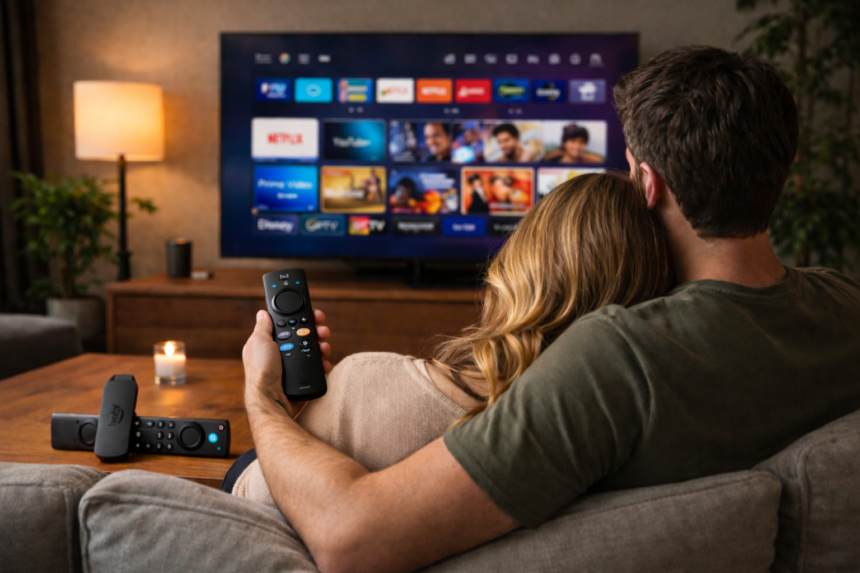
When Canadians search for “Fire Stick TV,” they’re typically looking for Amazon Fire TV Stick devices—compact streaming media players that transform any compatible TV with an HDMI port into a full-featured smart television. These devices, often referred to as the box fire tv stick due to their compact design, come with essential accessories like a remote control and power cable, making them remarkably popular among Canadian cord-cutters seeking affordable alternatives to traditional cable packages.
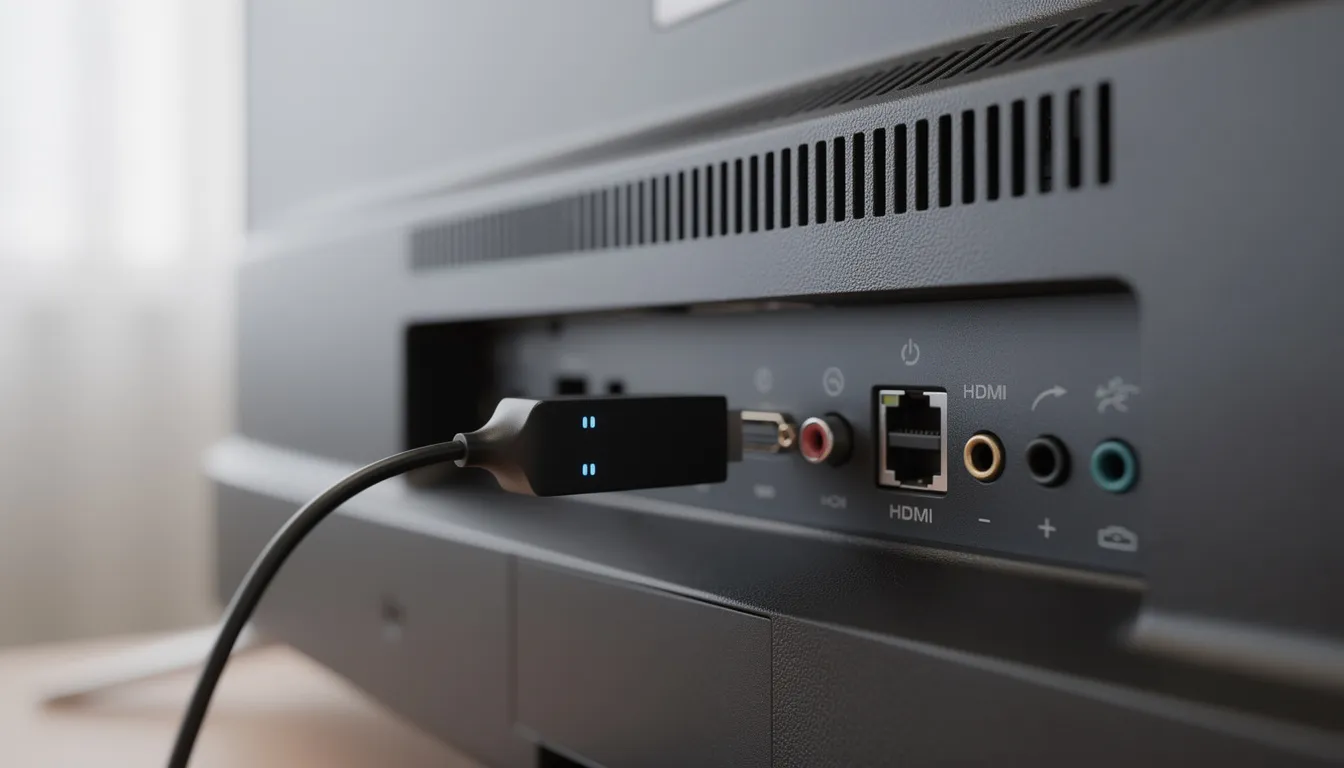
The setup is refreshingly simple. You plug the fire tv stick into your television’s HDMI port, connect the included power cable to the power adapter (plugging into a wall outlet rather than your TV’s USB port ensures stable power), and connect to your home Wi-Fi network from any Canadian provider—Bell, Rogers, Telus, Shaw/Freedom, Videotron, SaskTel, or Eastlink.
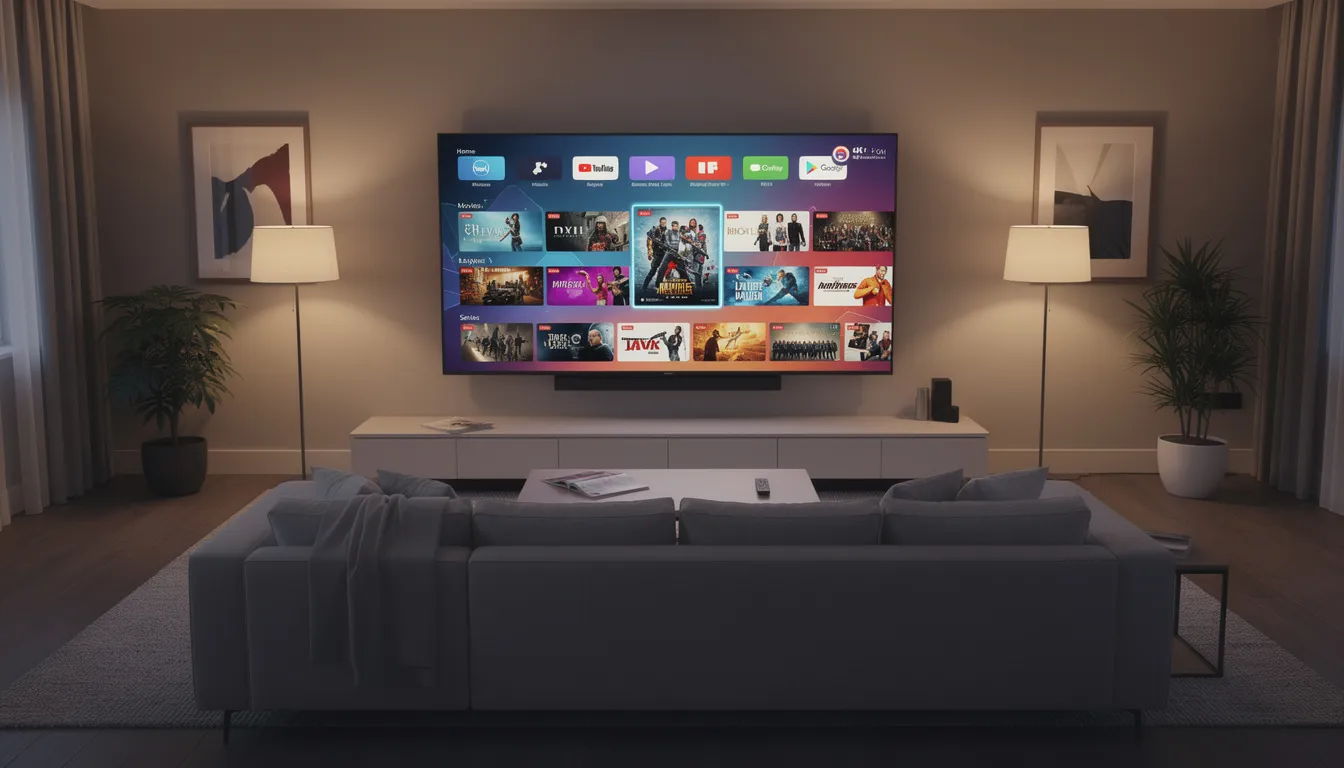
Once connected, the Fire TV interface provides direct access to streaming apps like Prime Video, Crave, Netflix, Disney Plus, CBC Gem, YouTube, Sportsnet+, and hundreds more, all downloaded directly from the Amazon Appstore. The remote control included with each device makes navigation intuitive, and the Alexa voice remote lets you search for content using your voice in English or French.
It’s important to understand the distinction between the hardware and the software. The amazon fire tv stick is a one-time purchase—you buy the device and own it outright. The streaming apps that run on it are separate; some are free (like CBC Gem and YouTube), while others require monthly subscription fees (like Netflix and Crave). The device itself has no ongoing charges.

Everything we cover in this guide is 100% legal and available through the official Amazon Appstore in Canada. We don’t recommend or discuss jailbreaking, unauthorized IPTV services, or pirated content streams.
Which Fire Stick TV Model Should Canadians Buy in 2025?
As of early 2025, Canadian shoppers have several Fire TV Stick options to choose from at Amazon.ca and major retailers. The main models available are the Fire TV Stick HD (2024), Fire TV Stick 4K (2023), Fire TV Stick 4K Max (2023), and the Fire TV Cube for power users who want hands-free Alexa functionality.
Here’s how they compare:
Model | Resolution | Wi-Fi | Processor | Typical Price (CAD) | Ideal For |
|---|---|---|---|---|---|
Fire TV Stick HD (2024) | 1080p | Wi-Fi 5 | Quad-core 1.7 GHz | $40–$50 | Bedrooms, cottages, 1080p TVs |
Fire TV Stick 4K (2023) | 4K Ultra HD | Wi-Fi 6 | Quad-core 1.7 GHz | $60–$70 | Most Canadians with 4K TVs |
Fire TV Stick 4K Max (2023) | 4K Ultra HD | Wi-Fi 6E | Quad-core 2.0 GHz | $75–$85 | Heavy streamers, large households |
Fire TV Cube (3rd Gen) | 4K Ultra HD | Wi-Fi 6E | Octa-core 2.0 GHz | $160–$180 | Home theatre enthusiasts |
Fire TV Stick HD (2024): This entry-level model delivers reliable 1080p streaming and is ideal for older televisions that don’t support 4K resolution. At around $40–$50 CAD, it’s perfect for secondary TVs in bedrooms, guest rooms, or cottages where picture quality demands are lower.
Fire TV Stick 4K (2023): Supporting 4K Ultra HD, HDR10+, Dolby Vision, and immersive Dolby Atmos audio, this model hits the sweet spot for most Canadian households. Wi-Fi 6 support ensures faster streaming even when multiple devices share your network. At $60–$70 CAD, we recommend this for anyone with a 4K television and a decent broadband connection.
Fire TV Stick 4K Max (2023): The fastest Fire Stick available features Wi-Fi 6E for reduced interference in busy condos, a more powerful processor, and 16GB of storage for more apps. It also loads apps quickly, providing a fast and responsive user experience when streaming or navigating between services. At $75–$85 CAD, it’s best suited for households with demanding streaming needs, multiple simultaneous users, or those who want the snappiest performance when switching between favourite apps.
Fire TV Cube (3rd Gen): This premium option combines a streaming device with a hands-free Alexa speaker, letting you control volume, launch apps, and manage smart home devices without touching the simple remote. It supports 4K, Dolby Vision, and immersive sound formats, making it ideal for dedicated home theatre setups.
Our recommendation: If you have a 4K TV and standard Canadian broadband of 100 Mbps or higher, the Fire TV Stick 4K offers excellent value. For tech-forward households in apartments or condos with many connected devices, the 4K Max’s Wi-Fi 6E provides noticeably smoother performance. For older 1080p sets, the HD model is more than adequate.
How Much Does a Fire Stick TV Cost in Canada?
Pricing for Fire TV devices in Canada fluctuates throughout the year, with the best deals typically appearing during Prime Day (July), Black Friday, Boxing Day, and occasional promotional events. Retailers like Amazon.ca, Best Buy Canada, Walmart Canada, and Staples all carry the lineup.
Here are the approximate regular prices in CAD:
- Fire TV Stick HD (2024): $49.99 regular, often drops to $34.99–$39.99 on sale
- Fire TV Stick 4K (2023): $69.99 regular, frequently available at $49.99–$54.99 during promotions
- Fire TV Stick 4K Max (2023): $79.99 regular, sale prices typically $59.99–$64.99
- Fire TV Cube (3rd Gen): $169.99 regular, occasionally discounted to $129.99–$139.99
Big-box retailers like Best Buy Canada and Staples frequently bundle Fire TV Sticks with extended warranties or accessory discounts, while Walmart Canada tends to feature accessories like silicone remote covers for under $15 CAD.
The critical point for budget-conscious Canadians: there are no ongoing monthly fees for owning a fire stick. Once you purchase the device, it’s yours to use indefinitely. The subscription fees you may encounter come from individual streaming services—Crave, Netflix, Disney Plus, DAZN, Sportsnet+, and others each charge their own monthly or annual rates.
Many fully free and legal apps can dramatically reduce your entertainment spending. CBC Gem, CTV, Global TV, Tubi, Pluto TV, and YouTube offer thousands of hours of content without requiring a paid subscription, helping Canadian cord-cutters build a robust streaming setup without breaking the bank.
Which Canadian Streaming Apps Work Best on Fire Stick TV?
Fire TV in Canada supports hundreds of official apps, but for most households, a core selection of movies, shows, sports, and live TV services covers everyday viewing needs. Below are our top picks for the best streaming apps available on Fire Stick TV in Canada. All apps we recommend are obtained directly from the Amazon Appstore—no sideloading or unverified third-party sources.
Movies & Series Apps (Key Features)
- Prime Video: Included with Amazon Prime membership; extensive library of movies, TV episodes, and Amazon Originals
- Crave: Canada’s home for HBO, Showtime, and premium Canadian content; essential for series like House of the Dragon and The Last of Us
- Netflix: The streaming giant needs no introduction; broad library with Canadian-specific content
- Disney Plus: Disney, Pixar, Marvel, Star Wars, and National Geographic content in one app
- Paramount+: Growing library including Star Trek, Yellowstone, and classic Paramount films
- Apple TV: Apple Originals plus rentals and purchases for non-subscribers
Live TV & Sports Apps (Key Features)
- Sportsnet+: NHL, MLB, and other major leagues; standalone streaming without cable
- TSN Direct: CFL, NFL, NBA, and exclusive Canadian sports coverage
- DAZN: NFL Game Pass, boxing, and international soccer
- CBC Gem: Free Hockey Night in Canada streams, Canadian sports events, and Olympic coverage
- YouTube: Free access to highlights, analysis, and creator content
Canadian-specific apps deserve special attention. CBC Gem provides free access to Canadian programming with minimal ads. Crave is essential for Bell Media content and serves as the exclusive home for HBO and Showtime series in Canada. Global TV and CTV offer network catch-up for popular shows. Bell Fibe TV and Rogers Ignite apps work on Fire TV where your subscription supports them.
In our tests on a typical 300 Mbps Rogers Ignite connection and 500 Mbps Bell Fibe connection in Toronto and Montreal, all these apps streamed reliably in 4K HDR when content was available in that format. Performance remained consistent when the Fire Stick was connected to 5 GHz Wi-Fi or a Wi-Fi 6 network.
How Do You Set Up a Fire Stick TV in a Canadian Home?
Setup is designed to be plug-and-play for Canadians, typically taking under 10 minutes regardless of whether you’re on Bell, Rogers, Telus, or any other ISP.
Physical Setup Steps
- Plug in the Fire TV Stick: Insert the device into an available HDMI port on your TV. If space is tight, use the included HDMI extender cable.
- Connect power: Attach the USB power cable to the Fire Stick, then connect the power adapter to a wall outlet. We recommend avoiding your TV’s USB port, as it may not provide sufficient power for stable operation.
- Select the correct HDMI input: Use your TV controls or TV remote to switch to the HDMI input where the Fire Stick is connected.
On-Screen Setup Steps
- Pair the remote: The Alexa Voice Remote should pair automatically. If not, hold the Home button for 10 seconds until the device finds it.
- Choose your language: English and French are both available for Canadian users.
- Connect to Wi-Fi: Select your home network (5 GHz recommended for faster streaming) and enter your password. The device works with any Canadian ISP including Bell, Rogers, Telus, Shaw/Freedom, Videotron, and regional providers.
- Sign in to your Amazon account: You’ll need an amazon.ca login to register the device. If you don’t have one, you can create a free account during setup—Amazon Prime membership is optional.
- Configure preferences: Enable or disable parental controls and purchase protection based on your household’s needs. This is particularly useful for families who want to control content access and prevent accidental rentals.
Pro Tip: Position your Wi-Fi router in a central location and avoid placing your TV inside a closed cabinet. These simple steps reduce interference and improve streaming reliability, especially in older Canadian homes with thick walls.
How Do Picture Quality, Sound, and Wi-Fi Performance Compare?
Picture quality and immersive sound depend on three factors: the Fire TV model you choose, your television’s capabilities, and the speed and stability of your Canadian internet connection.
The Fire TV Stick 4K and 4K Max support 4K Ultra HD, HDR10+, Dolby Vision, and immersive Dolby Atmos audio when your TV and sound system support these formats. The HD model maxes out at 1080p, which remains perfectly acceptable for smaller screens or older televisions.
Wi-Fi performance varies significantly between models:
- Fire TV Stick HD: Wi-Fi 5 (adequate for most single-user scenarios)
- Fire TV Stick 4K: Wi-Fi 6 (better performance in homes with multiple devices)
- Fire TV Stick 4K Max: Wi-Fi 6E (reduced interference, ideal for busy condos and apartments)
In our tests on Rogers 1.5 Gbps and Bell Fibe 1.5 Gbps connections in Toronto and Montreal apartments, the 4K Max consistently loaded apps and switched between streams a few seconds faster than the standard 4K Stick. The difference is subtle but noticeable during heavy use.
Picture and Sound Key Features
- 4K Ultra HD: Four times the resolution of 1080p for stunning detail on compatible televisions
- Dolby Vision: Dynamic HDR for scene-by-scene picture optimization
- HDR10+: Enhanced contrast and colour accuracy
- Dolby Atmos: Immersive surround sound when paired with compatible soundbars or receivers
- Wi-Fi 6/6E: Faster streaming and reduced buffering in multi-device Canadian households
Recommended minimum speeds: 10 Mbps per stream for HD content, 25 Mbps per stream for 4K. If you’re experiencing frequent buffering, check with your provider (Bell, Rogers, Telus, Videotron, or Shaw/Freedom) about upgrading your plan or optimizing your router placement.
What Can You Watch for Free on Fire Stick TV in Canada?
Many Canadians can dramatically reduce their entertainment spending by combining one or two paid subscriptions with a strong lineup of free, ad-supported streaming apps. The Amazon Appstore offers numerous legal options at no cost.
Free Apps Available in Canada
- CBC Gem: Free Canadian programming including news, documentaries, and some Hockey Night in Canada streams
- CTV: Network shows available for catch-up viewing with commercials
- Global TV: Popular series and news programming at no charge
- Citytv: Reality shows, dramas, and local news
- Tubi: Thousands of free movies and TV episodes with ad support
- Pluto TV: Live channels and on-demand content across genres
- YouTube: The world’s largest video streaming platform—completely free
- Amazon Freevee: Ad-supported movies and original series (availability varies)
These apps are funded by advertising, so you’ll encounter commercial breaks. However, there are no subscription fees—just install from the Amazon Appstore and start watching.
Real-World Viewing Scenarios
A budget-conscious family might rely on CBC Gem and CTV for nightly Canadian shows, add Tubi for weekend movies, and subscribe to a single paid service like Crave only when a specific series (like a new HBO drama) premieres.
A sports fan could combine free CBC Gem coverage of Hockey Night in Canada with a Sportsnet+ subscription for comprehensive NHL access, avoiding the $150+ monthly cable box packages that used to be the only option.
A couple focused on movies might stream free content on Tubi and YouTube most nights, subscribing to Netflix or Prime Video only during months when new releases interest them.
To be clear: this article does not cover or endorse unlicensed “free movie” apps, unauthorized IPTV services, or sideloaded APKs from unknown sources. Staying within the Amazon Appstore keeps your streaming legal and your device secure.
Is Fire Stick TV Really a Cable Replacement for Canadians?
For many Canadians, a Fire TV Stick combined with strategic streaming subscriptions can fully replace traditional cable or satellite service. However, the right approach depends on your viewing habits—particularly around live sports, local channels, and specialty content.
Sports Coverage
Services like Sportsnet+, TSN Direct, and DAZN cover the majority of major sports content that previously required cable:
- NHL: Sportsnet+ and TSN Direct
- NBA: TSN Direct
- NFL: DAZN (Game Pass) and TSN
- MLB: Sportsnet+
- Soccer: DAZN for major European leagues
Local and Canadian Content
Local news and Canadian programming are well-covered by free apps:
- CBC Gem: National and regional news, Canadian dramas, documentaries
- CTV and Global TV: Network shows, local newscasts
- Citytv: Local programming and popular US series
Cost Comparison Example
Option | Monthly Cost (CAD) |
|---|---|
Typical cable bundle (Rogers/Bell) | $120–$160 |
Fire TV Stick + Internet (75 Mbps) + Crave + Netflix + Sportsnet+ | ~$85–$100 |
Fire TV Stick + Internet + Free apps only | ~$50–$70 |
The savings become significant over a year: choosing streaming over a full cable package could save $400–$800 annually while still providing access to the channels and content you actually watch.
Our advice: Before cancelling cable, review your current Bell, Rogers, Telus, or other provider bundle. Identify your must-have channels and check whether equivalent content is available via Fire TV apps. For most Canadian households, the transition is straightforward and financially rewarding.
For more detailed guidance on optimizing your setup, visit our Setup & Performance category or sign up for our Canadian streaming newsletter to receive updated app guides as services evolve.
How Do You Control Fire Stick TV and Use Alexa in Canada?
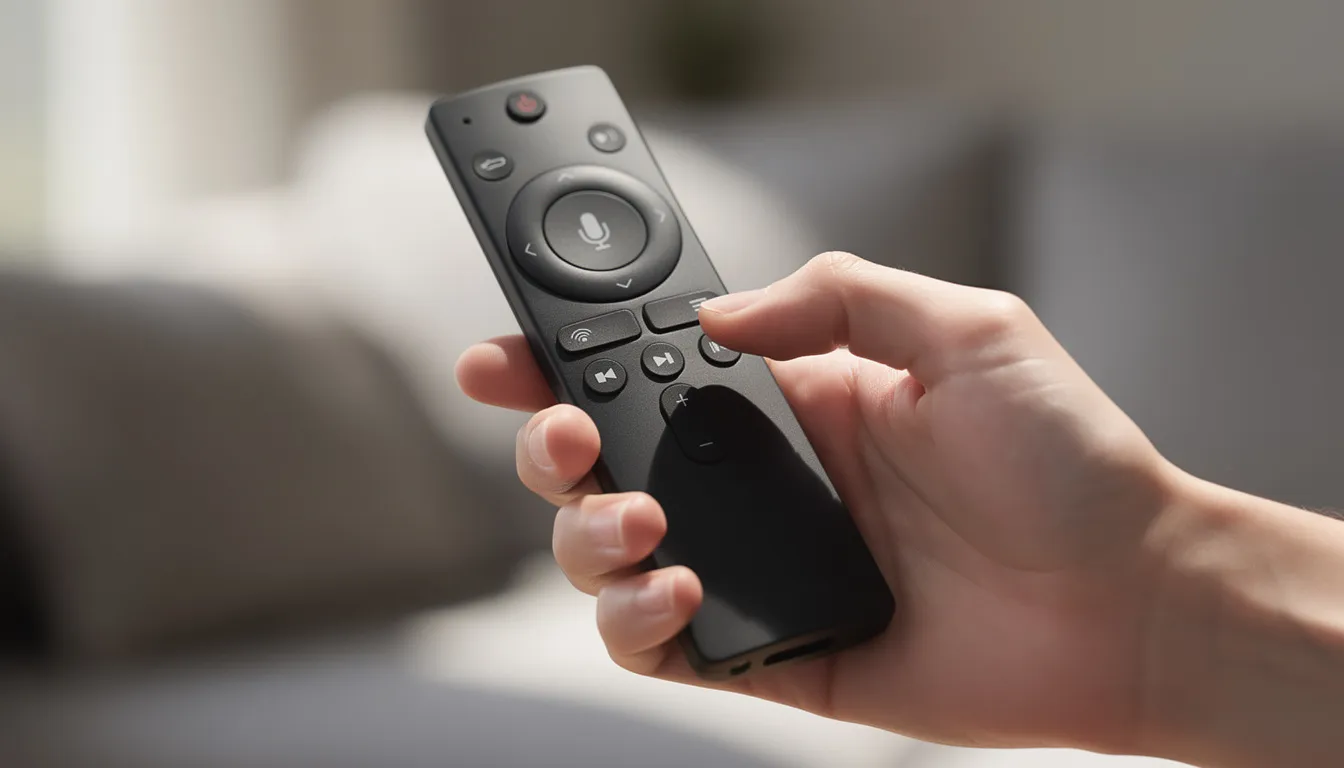
Every Fire TV Stick sold in Canada includes the Alexa Voice Remote (3rd Gen), featuring dedicated app buttons, power, volume, and mute controls that work with compatible TVs and soundbars. This one remote replaces the need to juggle multiple controllers.
Voice Commands
Press and hold the microphone button on the voice remote to activate Alexa, then speak naturally in Canadian English or French:
- Search for content: “Alexa, play Letterkenny on Crave”
- Launch apps: “Alexa, open CBC Gem”
- Control playback: “Alexa, pause” or “Alexa, rewind 30 seconds”
- Check information: “Alexa, what’s the weather in Toronto?”
- Play millions of songs: “Alexa, stream music on Amazon Music”
Smart Home Integration
If you have compatible smart home devices—lights, thermostats, cameras—on the same Canadian Wi-Fi network, you can control them directly from your couch:
- “Alexa, show me the front door camera”
- “Alexa, dim the living room lights to 50%”
- “Alexa, set the thermostat to 21 degrees”
The Fire TV Cube offers hands-free Alexa that’s always listening, eliminating the need to press any button. Standard Fire TV Sticks require holding the microphone button on the remote to activate voice commands.
Control Key Features
- Voice search: Find content across multiple apps instantly
- Smart home control: Manage compatible devices from your TV screen
- One remote convenience: Control TV power, control volume, and streaming navigation with a single device
- Preset buttons: Quick access to popular streaming services directly from the remote
How Can Canadians Optimize Fire Stick TV Performance and Security?
With a few simple habits, Canadian users can keep their Fire TV Stick running smoothly and securely for years of daily video streaming.
Software and Updates
Enable automatic software updates to ensure Fire OS and all installed apps receive the latest security patches and performance improvements. Navigate to Settings > My Fire TV > About > Check for Updates to verify you’re running the latest version.
Performance Maintenance
- Clear app caches: If specific apps feel sluggish, go to Settings > Applications > Manage Installed Applications, select the app, and choose Clear Cache.
- Uninstall unused apps: Remove apps you no longer use to free up storage space and improve navigation speed.
- Restart regularly: A simple restart (Settings > My Fire TV > Restart) can resolve many performance issues, particularly on lower-spec models.
Network Optimization
- Use 5 GHz Wi-Fi whenever possible for faster streaming speeds and reduced interference.
- Consider Amazon’s optional Ethernet adapter for wired connections in home theatres where the router is nearby.
- Ensure your router firmware is up to date—most Canadian ISPs provide automatic updates.
Security Best Practices
- Use only official apps: Download exclusively from the Amazon Appstore to avoid malware, privacy risks, and potential violations of Canadian copyright law.
- Avoid sideloading from unknown sources: Third-party APKs can compromise your device and personal information.
- Enable purchase protection: Prevent unauthorized purchases by requiring a PIN for all Amazon transactions.
For step-by-step optimization guides, browse our Setup & Performance category or subscribe to our Canadian streaming newsletter for regular updates on best practices as Fire OS evolves.
How Does Fire Stick TV Compare to Other Streaming Devices?
The Fire Stick TV stands out as a leading streaming device in Canada, but how does it measure up against other popular options like Apple TV, Google Chromecast, and Roku? When it comes to picture quality, the Fire Stick TV delivers impressive 4K Ultra HD streaming, complete with Dolby Vision and immersive Dolby Atmos audio for a truly cinematic experience. Whether you’re watching Netflix, Disney+, or Prime Video, you’ll enjoy crisp visuals and surround sound that bring your favourite movies and TV episodes to life.
One of the Fire Stick TV’s biggest strengths is its extensive access to streaming apps. From live TV and on-demand movies to music streaming with Amazon Music and YouTube, you can load up all your favourite apps directly from the Fire TV interface. The device is designed to work seamlessly with a wide range of streaming services, making it easy to switch between platforms like Pluto TV, CBC Gem, and more.
In terms of price, the Fire Stick TV is often more affordable than many competitors, offering premium features like 4K streaming and Dolby Atmos at a fraction of the cost of some other streaming devices. This makes it a top pick for Canadians who want high-end features without breaking the bank. Whether you’re looking to stream the latest movies, catch up on live TV, or play millions of songs, the Fire Stick TV provides a flexible, all-in-one solution for your streaming needs.
Fire Stick TV vs. Apple TV and Other Competitors
When comparing the Fire Stick TV to Apple TV, one of the most noticeable differences is the price. The Fire Stick TV offers a budget-friendly entry point while still delivering 4K streaming, Dolby Vision, and access to a huge variety of streaming services. Apple TV, on the other hand, is known for its sleek, user-friendly interface and exclusive Apple Originals, but comes at a higher price point.
Google Chromecast and Roku devices also compete in the streaming space, offering features like 4K streaming and voice control. However, the Fire Stick TV stands out for its deep integration with Amazon devices and services, making it a natural choice for customers already invested in the Amazon ecosystem. The Alexa Voice Remote adds another layer of convenience, allowing you to search, control content, and even manage smart home devices with your voice.
Ultimately, the best streaming device for you depends on your streaming needs and preferences. If you value seamless access to Amazon services, a wide range of streaming apps, and a great price, the Fire Stick TV is a strong contender. For those who prioritize exclusive Apple content or a particular interface style, Apple TV may be worth considering. No matter your choice, all these devices offer reliable access to your favourite streaming services and apps.
What Extra Features and Entertainment Options Are Available?
Beyond streaming your favourite shows and movies, the Fire Stick TV is packed with extra features and entertainment options to enhance your viewing experience. With the Alexa Voice Remote, you can easily switch between streaming services, live TV, and music apps using simple voice commands. Whether you want to watch the latest TV episodes, stream live channels on Pluto TV, or catch up on Canadian favourites with CBC Gem, the Fire Stick TV puts everything at your fingertips.
The device supports 4K Ultra HD streaming and Dolby Atmos surround sound, delivering an immersive audio-visual experience that rivals many cable boxes and traditional setups. You can play millions of songs through Amazon Music or other music streaming apps, and enjoy crystal-clear sound and vibrant picture quality on compatible TVs.
Fire Stick TV also makes it easy to control your TV and connected devices. Use the Alexa Voice Remote to adjust volume, switch inputs, or even control smart home devices—all without leaving your couch. With access to a wide range of apps and features, the Fire Stick TV is designed to meet all your entertainment needs, from binge-watching series to streaming live sports and music.
Gaming and Interactive Apps
The Fire Stick TV isn’t just for streaming—it’s also a great device for gaming and interactive entertainment. With a growing library of gaming apps, you can play popular titles directly on your TV using the Alexa Voice Remote or pair a compatible gaming controller for a more immersive experience. From casual games and trivia to karaoke and party apps, there’s something for everyone.
Interactive apps make the Fire Stick TV a hit for family nights and social gatherings. Whether you’re challenging friends to a quiz or singing along to your favourite hits, the device offers endless ways to have fun without the need for a bulky cable box or extra equipment. Its compact design and easy setup mean you can enjoy these features on any compatible TV, making it a versatile addition to your home entertainment system.
How Do You Troubleshoot and Maintain Your Fire Stick TV?
Keeping your Fire Stick TV running smoothly is simple with a few basic maintenance and troubleshooting steps. If you encounter issues with streaming services or apps, start by checking that your device is properly connected to your TV and Wi-Fi network. Restarting the Fire Stick TV often resolves minor glitches and helps restore optimal performance.
It’s also important to keep your device and apps up to date. Regularly check for software updates to ensure you have the latest features and security enhancements. Make sure your TV is compatible with the Fire Stick TV and that you’re using the latest firmware for both devices. If problems persist, Amazon customer support is available to help you troubleshoot and resolve any issues.
By following these steps, you can enjoy uninterrupted access to your favourite streaming services, apps, and live TV, ensuring your Fire Stick TV remains a reliable part of your home entertainment setup.
Common Issues and Solutions
Some common issues Fire Stick TV users may encounter include poor picture quality, slow streaming, or problems with the Alexa Voice Remote. To address these, first check your Wi-Fi connection and ensure your TV is set to the correct HDMI input. Restarting the device can often fix streaming or remote control issues.
If you continue to experience problems, try resetting the Fire Stick TV to its factory settings or updating the device’s software. For persistent issues, Amazon customer support can provide additional troubleshooting and solutions. With its user-friendly design and robust support, the Fire Stick TV makes it easy to access streaming services, live TV, and music streaming with great picture quality and features—all at a competitive price. Enjoy a seamless, immersive viewing experience and make the most of your Fire Stick TV by keeping it well-maintained and up to date.
FAQ
Is there a monthly fee for using a Fire TV Stick in Canada?
There is no monthly fee for the Fire TV Stick hardware itself. Once you purchase the device at Amazon.ca, Best Buy, or another retailer, you own it outright and can use it indefinitely without ongoing device charges.
An Amazon account is required for registration, but an Amazon Prime membership is entirely optional. Prime adds benefits like Prime Video access and faster Amazon.ca shipping, but the Fire Stick functions perfectly without it.
Many streaming apps charge separate subscription fees—Crave, Netflix, Disney Plus, Sportsnet+, TSN, and DAZN all have their own pricing. However, numerous apps including CBC Gem, CTV, Global TV, Tubi, Pluto TV, and YouTube offer free, ad-supported viewing without any payment required.
Can I use Fire Stick TV with any Canadian internet provider?
Yes, Fire TV Stick works with virtually all major Canadian ISPs, including Bell, Rogers, Telus, Videotron, Shaw/Freedom, SaskTel, Eastlink, and regional fibre or cable providers. The device simply connects to your home Wi-Fi network like any other wireless device.
We recommend a minimum of 10 Mbps for HD streaming and 25 Mbps for 4K streaming per active stream. Canadians on slower DSL or rural wireless connections may need to limit resolution settings or avoid simultaneous streams on multiple amazon devices.
In multi-device households—especially condos and townhomes—upgrading to a higher-speed internet plan or a Wi-Fi 6 router can significantly improve Fire TV Stick performance during peak usage hours.
Do I need a 4K TV to benefit from Fire TV Stick 4K or 4K Max?
These models will work on a 1080p TV, but you won’t see the full 4K resolution. The device automatically outputs at your television’s maximum supported resolution, so a 1080p TV simply displays 1080p content.
Canadians planning to upgrade to a 4K TV within the next year or two may still want to invest in a 4K or 4K Max Stick now. This avoids the need to upgrade the streaming device later, and you’ll benefit from the faster processing and improved Wi-Fi capabilities immediately.
If you have no plans to move beyond a smaller 1080p set, the more affordable Fire TV Stick HD (2024) is usually sufficient and represents better value for that use case.
Can I travel with my Fire Stick TV within Canada or abroad?
The compact design makes the Fire TV Stick easy to pack for trips to a cottage, hotel, or a friend’s house anywhere in Canada. You just need access to an HDMI-equipped TV and Wi-Fi.
Some hotel Wi-Fi networks require captive portal logins (the webpage that appears asking for room numbers or passwords). Fire TV can usually handle these through its built-in browser, though the experience varies by hotel chain. Mini TV displays in hotel rooms sometimes have restricted HDMI ports.
When travelling outside Canada, content libraries for apps like Netflix or Prime Video may change based on your location. Some Canadian-specific apps or live TV channels may be geo-restricted and unavailable abroad.
Is a Fire TV Stick better than a smart TV’s built-in apps?
Many Canadian customers find Fire TV Sticks faster, more frequently updated, and more consistent than the built-in smart TV platforms on older or budget televisions. The dedicated processor handles streaming apps without bogging down the TV’s other functions.
Fire TV’s unified interface and Alexa integration provide a consistent experience regardless of your TV brand. You don’t need to learn each manufacturer’s different app store, menu system, or watch favourites organization.
Those with older smart TVs from 2017–2020 often notice an immediate improvement in app speed and stability after adding a Fire TV Stick 4K or 4K Max. It’s a great device for extending the useful life of an otherwise capable television.
What Are the Benefits of Using Fire Stick TV in Canada?
The Amazon Fire TV Stick has quickly become a favourite streaming device for Canadians, and it’s easy to see why. With a Fire TV Stick, you unlock access to a huge variety of streaming apps—everything from Netflix, Disney+, and Apple TV to Prime Video, Pluto TV, and CBC Gem. Whether you want to binge-watch the latest TV episodes, catch live TV, or dive into a library of movies, the Fire TV Stick puts all your favourite streaming services in one place, right on your compatible TV.
One of the standout features is the Alexa Voice Remote, which makes searching for content, controlling playback, and even managing your smart home devices as simple as speaking a command. The intuitive Fire TV interface is designed for easy navigation, so you can quickly find and launch your favourite apps, stream music, or check the weather—all without juggling multiple remotes.
When it comes to picture quality, the Fire TV Stick 4K delivers stunning 4K Ultra HD resolution, complete with Dolby Vision for vibrant colours and detail. Paired with immersive Dolby Atmos surround sound, you’ll enjoy a cinematic experience whether you’re watching blockbuster movies, streaming live sports, or catching up on TV episodes. The device is engineered to provide crisp visuals and rich audio, making every viewing session feel special.
Portability is another major advantage. The Fire TV Stick is compact and lightweight, so you can easily move it between rooms or take it with you when travelling. Just plug it into any TV with an HDMI port, connect the included power cable and power adapter, and you’re ready to stream. This flexibility is perfect for cottages, hotel stays, or simply upgrading multiple TVs in your home without the need for extra cable boxes.
Beyond video streaming, the Fire TV Stick also lets you stream music through Amazon Music and other popular apps, turning your TV into a complete entertainment hub. With support for smart home controls, you can dim the lights, check your security cameras, or adjust the thermostat—all from your couch using the voice remote.
In short, the Fire TV Stick is a great device for Canadians who want to cut the cord and enjoy a world of streaming content. With its wide range of streaming apps, user-friendly features, excellent picture and sound quality, and easy setup, it’s an all-in-one solution for modern home entertainment. Whether you’re watching movies, streaming live TV, or listening to your favourite playlists, the Fire TV Stick makes it simple to access and enjoy the content you love.